
Ampara Quran1.0 - Get APK
You'll be able to download in few seconds.
Publisher Description

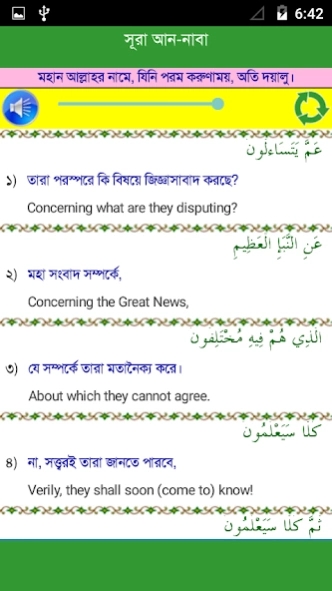
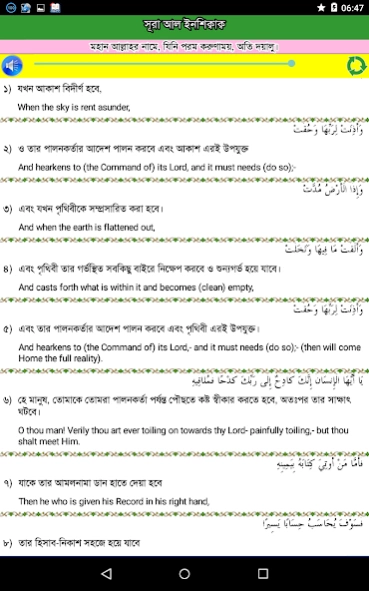
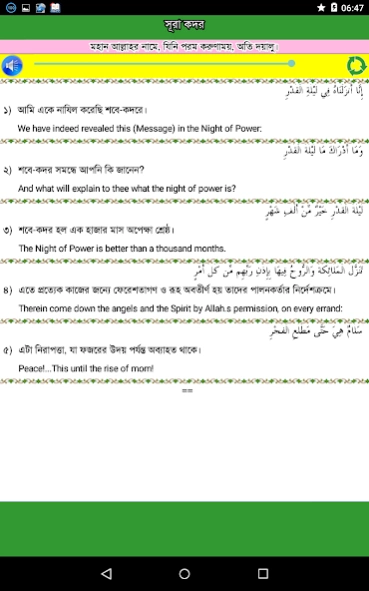
The 30th Chapter of the Holy Quran is included in this application.
30th Chapter of the Holy QUran consists of 37 Surah. You can get all of those Surah in this application along with Engliash and Bangla meaning. Listed surah are as follows-
Surah No. Surah Name
----------------------------------
78 Surah An-Nabaa
79 Surah An-Nazi'at
80 Surah Abasa
81 Surah At-Takwir
82 Surah Al-Infitar
83 Surah Al-Mutaffife
84 Surah Al-Inshiqaq
85 Surah Al-Buruj
86 Surah At-Tariq
87 Surah Al-A'la
88 Surah Al-Gashiya
89 Surah Al-Fajr
90 Surah Al-Balad
91 Surah Ash-Shams
92 Surah Al-Lail
93 Surah Adh-Dhuha
94 Surah Al-Sharh
95 Surah At-Tin
96 Surah Al-Alaq
97 Surah Al-Qadr
98 Surah Al-Baiyina
99 Surah Al-Zalzalah
100 Surah Al-Adiyat
101 Surah Al-Qari'a
102 Surah At-Takathur
103 Surah Al-Asr
104 Surah Al-Humaza
105 Surah Al-Fil
106 Surah Quraish
107 Surah Al-Ma'un
108 Surah Al-Kauthar
109 Surah Al-Kafirun
110 Surah An-Nasr
111 Surah Al-Lahab
112 Surah Al-Ikhlas
113 Surah Al-Falaq
114 Surah Al-Nas
About Ampara Quran
The company that develops Ampara Quran is Sonar Bangla. The latest version released by its developer is 1.0.
To install Ampara Quran on your Android device, just click the green Continue To App button above to start the installation process. The app is listed on our website since 2015-08-23 and was downloaded 0 times. We have already checked if the download link is safe, however for your own protection we recommend that you scan the downloaded app with your antivirus. Your antivirus may detect the Ampara Quran as malware as malware if the download link to info.islampedia.ampara is broken.
How to install Ampara Quran on your Android device:
- Click on the Continue To App button on our website. This will redirect you to Google Play.
- Once the Ampara Quran is shown in the Google Play listing of your Android device, you can start its download and installation. Tap on the Install button located below the search bar and to the right of the app icon.
- A pop-up window with the permissions required by Ampara Quran will be shown. Click on Accept to continue the process.
- Ampara Quran will be downloaded onto your device, displaying a progress. Once the download completes, the installation will start and you'll get a notification after the installation is finished.
Program Details
System requirements
Download information
Pricing
Version History
version 1.0
posted on 2015-08-23
Disclaimer
External Download
We do not host Ampara Quran on our servers. We did not scan it for viruses, adware, spyware or other type of malware. This app is hosted by Galad and passed their terms and conditions to be listed there. We recommend caution when installing it.
The APK Download link for Ampara Quran is provided to you by apps112.com without any warranties, representations or guarantees of any kind, so access it at your own risk.
If you have questions regarding this particular app contact the publisher directly. For questions about the functionalities of apps112.com contact us.
